Documentation consumes the clinical day
A time-motion study reported that ambulatory physicians spent 27.0% of office-day time on direct clinical face time and 49.2% on EHR and desk work.
Sinsky et al., Annals of Internal Medicine Majestic Scribeby Majestic Designs Ltd.
Majestic Scribe Encounter
Majestic Scribe Encounter helps physicians focus on the visit instead of the keyboard. Record or upload an encounter, then review a structured clinical package with a visit transcript, draft clinical note, review notes, action items, and patient instructions.
All outputs are drafts. Physicians remain responsible for reviewing, correcting, and approving documentation before use.

Designed for better visits
Physicians should not have to choose between eye contact and accurate notes. Majestic Scribe is built to let the doctor focus on the conversation, then review a structured draft afterward.
A time-motion study reported that ambulatory physicians spent 27.0% of office-day time on direct clinical face time and 49.2% on EHR and desk work.
Sinsky et al., Annals of Internal MedicineA randomized trial of medical scribes found significant improvements in physician satisfaction, chart quality and accuracy, and charting efficiency.
Gidwani et al., Annals of Family MedicineKessels reviewed patient recall and reported that 40-80% of medical information is forgotten immediately. Majestic Scribe Encounter creates patient instructions the physician can review, print, and give to the patient.
Kessels, Journal of the Royal Society of MedicineWork across devices
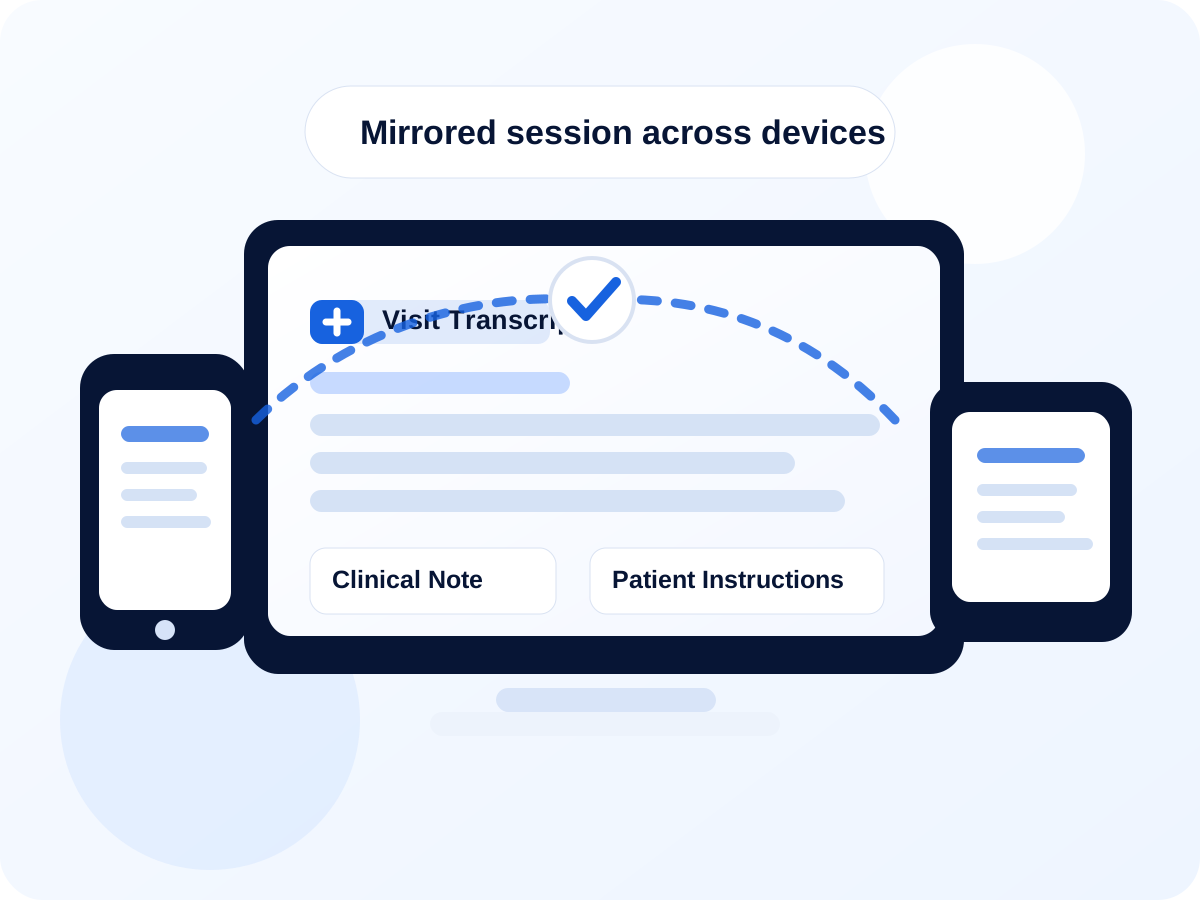
Session mirroring lets two devices share the same Majestic Scribe session. A physician can use a phone or iPad during the encounter and see the same transcript, note, review notes, and patient instructions on a laptop or desktop.
Majestic Scribe Encounter
Creates a readable draft transcript from the encounter recording.
Prepares a structured draft note for physician review and editing.
Highlights items the physician should verify before finalizing.
Drafts patient-friendly instructions based on the reviewed encounter.
Review notes
Majestic Scribe Encounter does more than draft a clinical note. It also produces physician-facing Review Notes that highlight items worth a second look before the encounter is completed.
If the encounter mentions a penicillin allergy and the plan includes amoxicillin, Majestic Scribe can flag that for review. If a medication dose, frequency, or instruction appears unusual or inconsistent with the rest of the encounter, it can bring that to the physician’s attention.
Majestic Scribe does not replace clinical judgment. It supports it by helping the physician review the note, the plan, and the patient instructions with a second set of eyes.
Majestic Scribe Dictation
Majestic Scribe Dictation gives physicians browser-based medical dictation as part of the Majestic Scribe subscription. Noisy environments can be challenging for most dictation software, but Majestic Scribe Dictation can help reduce background chatter before transcription.
Background-chatter reduction can help, but clear speech and a good microphone still produce the best results.
Open Dictation
Fictional sample
This sample is fictional, for demonstration only, and is not medical advice.
Physician: Good morning, Mrs. Carter. I understand you are here to follow up on your blood pressure and talk about your cough.
Patient: Yes. My home blood pressure readings have mostly been around 132 over 78. I have also had a dry cough for about a week. No fever. I am still walking every day.
Physician: Any chest pain, shortness of breath, dizziness, or swelling in your legs?
Patient: No chest pain. No shortness of breath. No swelling. I feel a bit tired, but otherwise okay.
Physician: Continue checking your blood pressure three times per week and contact the clinic if symptoms worsen.
Reason for visit: Follow-up for hypertension and dry cough.
Subjective: Home BP readings averaging approximately 132/78. Taking amlodipine 5 mg daily with no missed doses. Dry cough for one week. No fever, chest pain, shortness of breath, dizziness, or leg swelling.
Assessment: Hypertension, controlled on current regimen. Dry cough, likely viral upper respiratory infection based on history and absence of red-flag symptoms.
Plan: Continue current medication, supportive care for cough, monitor symptoms, and follow up in three months or sooner if symptoms worsen.
Payments are handled by Stripe. Majestic Designs Ltd. does not store full credit-card numbers.
Subscriptions can be cancelled for future renewals through the billing portal or by contacting support.
Email scribe@majesticmanagement.ca for help.